POS Systems in 2026: What They Are & How to Choose One - IT PLUS
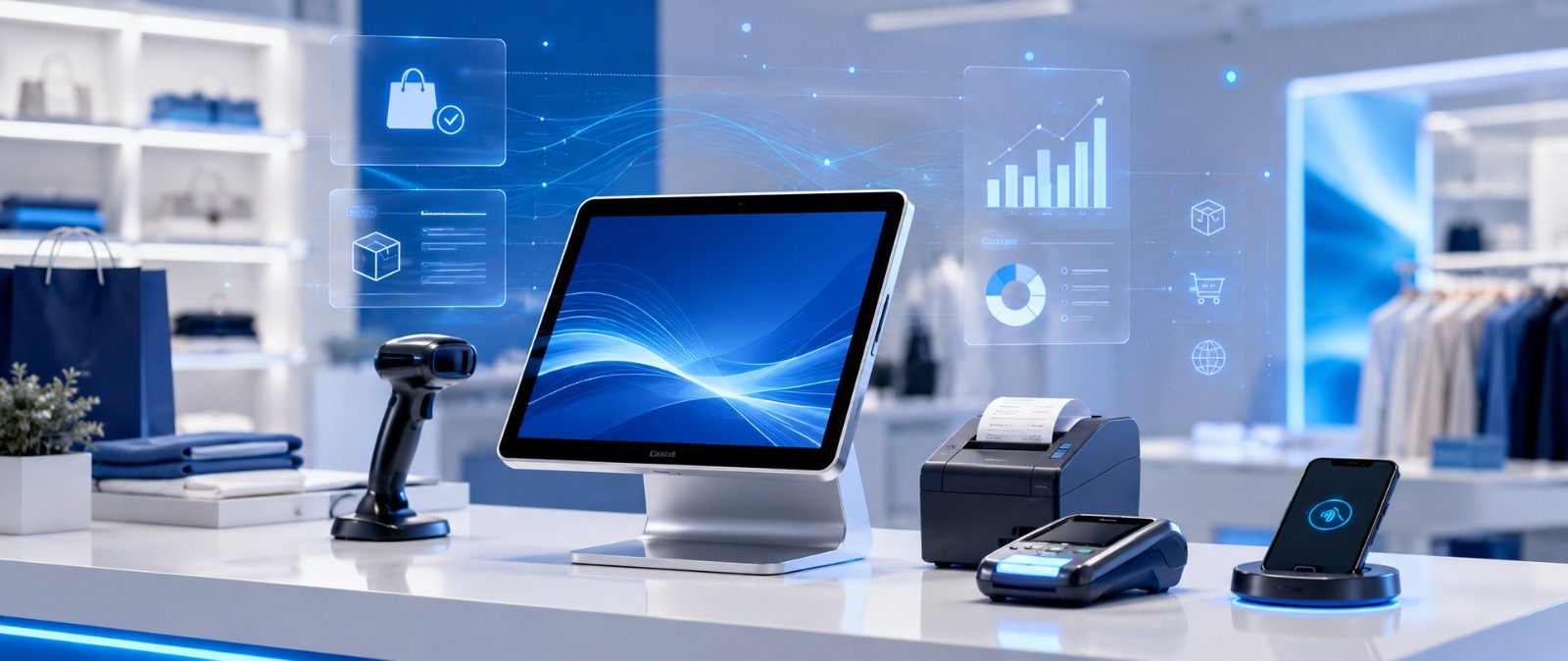
A POS (Point of Sale) system is the software that runs the sale in your shop or restaurant — it calculates the bill, deducts from inventory in real time, and re…
1Like
 55Views
An ERP (Enterprise Resource Planning) system is a single software platform that unifies all your company's departments — accounting, inventory, sales, purchasing, and HR — into one connected system with shared data. Instead of each team working on a separate file or app, everyone works from one source of truth, so decisions become faster and more accurate.
ERP stands for Enterprise Resource Planning. The name sounds complex, but the idea is simple: it's one software platform that connects all your departments on a single database. When sales creates an order, the warehouse sees it instantly, accounting records the invoice automatically, and reports update in real time. Everyone drinks from the same well.
💡 Simplest analogy: If your company were a human body, the departments are the organs — and the ERP is the nervous system that lets every organ know what the others are doing at the same moment.
An ERP is built from modules — each serves a department or function. You pick what you need and add more over time:
💡 Key point: You don't need every module at once. The smartest approach is to start with what matters most (e.g., inventory + accounting) and expand gradually — this lowers risk and lets your team adapt comfortably.
If 3 or more of these apply, it's time for an ERP:
⚠️ Watch out: The biggest mistake is waiting until things catch fire. ERP is built while you're organized so it brings order — not mid-crisis to put out a fire. The ideal time is while you're scaling, before chaos piles up.
Off-the-shelf (SAP / Odoo / Microsoft Dynamics): ready fast with many features, but you adapt to the software, subscriptions grow per user/module, and deep customization is limited.
Custom ERP: built around your exact operations, you own the code and data, it integrates with your existing website and apps without limits, and it scales with you. The right choice depends on your business — standard operations may suit off-the-shelf, while unique or fast-growing operations favor custom.
📖 Read also: To understand the difference in depth and when custom is the right call, see our complete guide to Custom Software Development for businesses in 2026.
ERP is a project, not an install. The core phases:
⚠️ The #1 reason ERP projects fail isn't technology — it's employee resistance to change and weak training. According to specialized reports such as Panorama Consulting, a large share of ERP projects exceed their planned budget or timeline, mostly for managerial and human reasons rather than technical ones — which is why choosing a partner who understands this side matters a lot.
A distribution company with a large warehouse and multiple branches was running an off-the-shelf accounting program plus Excel for inventory. The problem: the Excel inventory didn't match the sales in the accounting program, so items kept "disappearing" on paper and others ran out without anyone noticing.
The solution was a custom ERP that linked inventory to sales to procurement in real time, with permissions per branch and unified reports for management. The result: stock-taking became accurate, and decisions were based on one correct number.
This is exactly the kind of problem a company like IT PLUS (operating since 2013, with 135+ projects) builds tailored systems for — systems that speak your business's language.
What is an ERP system in short? One software platform that unifies all company departments on shared data, making decisions faster and more accurate.
ERP vs. CRM? CRM focuses only on customer relationships and sales; ERP is broader and covers all departments — CRM is often a module inside ERP.
Is ERP only for large companies? No. There are solutions suited to small and medium businesses too, and you can start with a couple of modules and expand.
Off-the-shelf or custom ERP? Depends on your operations — off-the-shelf is faster for standard needs, custom fits unique or fast-growing businesses that want to own their system.
How long does ERP implementation take? From a few weeks for a simplified system to several months for large ones, delivered in phases.
Can ERP integrate with my website and online store? Yes — full integration is a key advantage of custom systems, keeping your data unified.
Do you provide support after implementation? Yes — IT PLUS provides ongoing support, maintenance, and updates, with a full one-year warranty on our work.
An ERP isn't a luxury — it's the difference between a company run on gut feeling and scattered files, and a company run on accurate real-time numbers. The question isn't "Do I need an ERP?" but "When and in what form?"
If your company has reached the point of needing to organize its operations into one system, the IT PLUS team can analyze your needs and recommend the best fit — off-the-shelf or custom. Contact us and let's review your situation together.
No comments yet. Be the first to comment!
If your site already runs on a platform such as Lovable or V...
A domain that does not open after setup does not always need...
You can use company email such as info@example.com while kee...

If you built your site and published it for free on GitHub P...
Explore more articles that might interest you
Leave a Comment