
POS Systems in 2026: What They Are & How to Choose One - IT PLUS
A POS (Point of Sale) system is the software that runs the sale in your shop or restaurant — it calculates the bill, deducts from inventory in real time, and re…
1Like
 55Views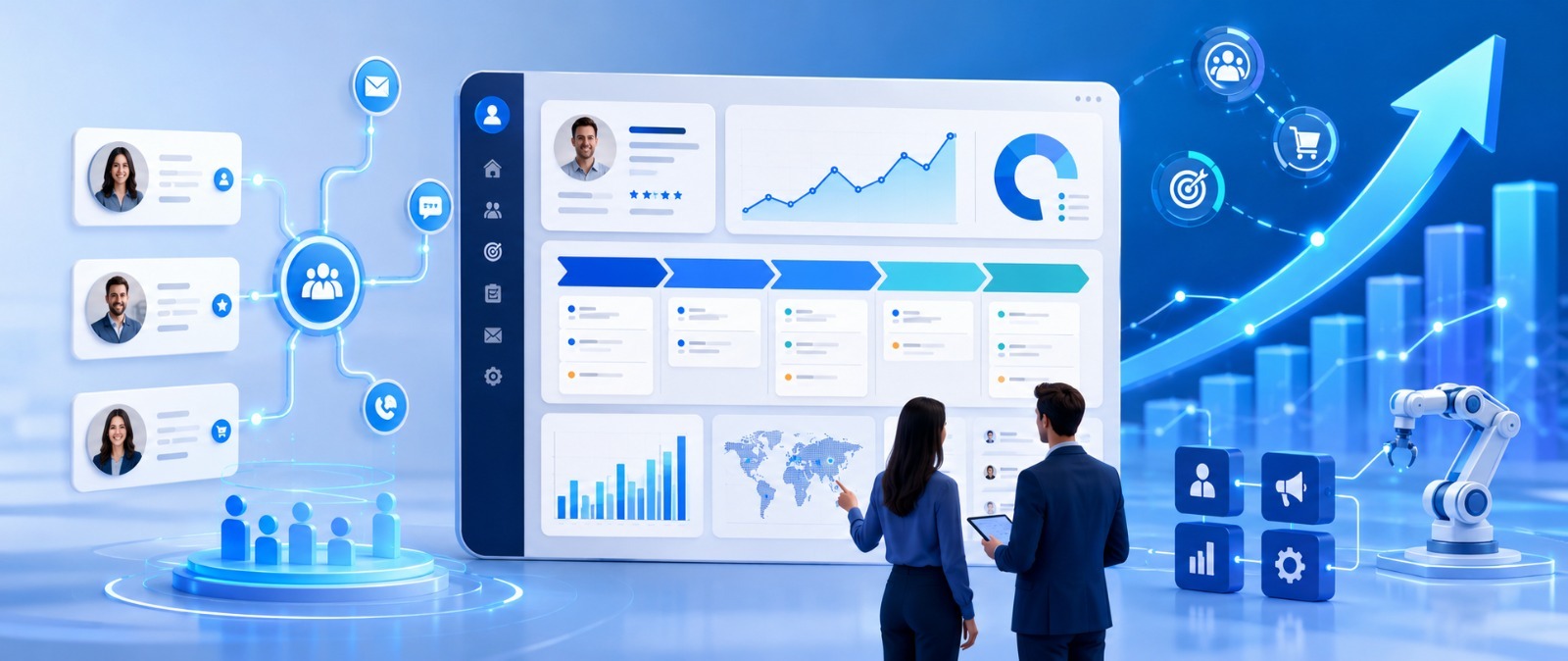
A CRM (Customer Relationship Management) system brings all your customer interactions into one place — their data, calls, messages, and every deal at every stage. Instead of customers getting lost between staff and sales stages, the whole team sees the same picture, so no follow-up is missed and no sales opportunity slips away.
CRM stands for Customer Relationship Management. Instead of customer data scattered across staff phones, Excel files, and notebooks, the system gathers it all in one organized place. Every interaction — call, message, quote, next appointment — is logged, so anyone on the team opens a customer's file and finds the full story. Follow-ups continue without falling through the cracks.
💡 Simplest analogy: A CRM is the collective memory of your sales team — it never forgets a customer, never leaves a deal hanging, and never repeats the same conversation twice.
💡 Key point: The CRM's strongest use isn't just storing data — it's automation. When the system reminds staff to follow up at the right time, deal-closing rates rise noticeably with no extra effort.
If 3 or more of these apply, it's time for a CRM:
⚠️ Watch out: A common mistake is thinking a CRM is just "a place to store numbers." Its real value is turning follow-up from "staff memory" into "a system that never drops a deal" — the difference between a team that keeps up and a team that loses deals.
Off-the-shelf (Salesforce / HubSpot / Zoho): ready fast with many features, but your sales cycle adapts to the software, subscriptions grow per user, and customization is limited.
Custom CRM: built around your exact sales cycle, you own the code and customer data, it integrates with your website, app, WhatsApp, and ERP, and scales with your team. Standard cycles may suit off-the-shelf; unique processes and full integration favor custom.
📖 Read also: To understand the difference in depth, see our complete guide to Custom Software Development for businesses in 2026.
⚠️ The #1 reason CRM projects fail is the team not using it consistently. If staff feel it's "extra work," they'll ignore it. The fix: a simple system tailored to their real workflow plus automation that saves them time.
A services company had a sales team receiving customers from its website, social media, and WhatsApp. The problem: each channel stood alone, customers were logged in Excel, inquiries kept slipping through, follow-ups were delayed, and no one knew which campaign actually brought customers.
The solution was a custom CRM that gathered customers from all channels into one pipeline, with automated follow-ups and reports showing each customer's source. The result: inquiries stopped slipping, the deal-closing rate improved, and management finally knew which channel to invest in.
This is exactly the kind of system a company like IT PLUS (operating since 2013, with 135+ projects) builds — tailored to your exact sales cycle.
What is a CRM in short? Software that gathers all your customer interactions (data, communication, deals, follow-ups) in one place so no customer is lost and no opportunity slips away.
CRM vs. ERP? CRM focuses on customers, sales, and after-sales; ERP is broader, covering all departments — CRM is often a module within or integrated with ERP.
Is CRM only for large companies? No. Any company with customers tracked by a team benefits, and you can start simple and expand.
Off-the-shelf or custom CRM? Depends on your sales cycle — off-the-shelf is faster for standard needs, custom fits unique processes and full integration.
Can CRM connect to WhatsApp and my website? Yes — integration with your website, forms, social, and WhatsApp is a key advantage of custom systems.
Does CRM really increase sales? Yes — it prevents lost customers, automates timely follow-ups, and clarifies opportunities, raising conversion and retention.
Do you provide support after implementation? Yes — IT PLUS provides ongoing support, maintenance, and updates, with a full one-year warranty.
A CRM isn't a "customer phone book" — it's the difference between a company chasing customers from memory and a company with a system that closes deals consistently. The question isn't "Do I need a CRM?" but "When and in what form?"
If your sales team has reached the point of needing to organize its customers, the IT PLUS team can analyze your sales cycle and recommend the best fit — off-the-shelf or custom. Contact us and let's review your situation together.
No comments yet. Be the first to comment!
If your site already runs on a platform such as Lovable or V...
A domain that does not open after setup does not always need...
You can use company email such as info@example.com while kee...

If you built your site and published it for free on GitHub P...
Explore more articles that might interest you


Leave a Comment